The missing step after teaching
Students often understand a lesson in the classroom — then lose it before the knowledge becomes active.
Proftor adds the missing step: a short guided recall session where students bring the lesson back, explain it in their own words, and reveal what is clear, vague, or missing.
Why recall-first learning works →How Proftor works
A teacher sets the lesson focus. A student recalls after class. Proftor shows what was remembered, vague, or missing.
How Proftor works →The teacher defines what the lesson was about, using curriculum material, notes, keywords, or lesson content.
The student enters a short guided recall session and explains what they remember in their own words.
Proftor highlights what was remembered, vague, or missing, so the teacher knows where to follow up.
Proftor is inspired by retrieval practice, active recall, and spaced practice — learning methods connected with stronger long-term retention.
Read why recall-first learning works →Recall practice,
not exam pressure.
Tests usually measure what students already know. Proftor uses recall as practice: a way to strengthen memory, reveal gaps, and help students think through their understanding before assessment.
Guided learning,
not instant answers.
General AI tools often answer too quickly. Proftor's Socrates engine is designed to guide students towards their own explanation, so they can put knowledge into words instead of passively receiving it.
Teachers build.
Students practise.
Teachers are the key quality role in Proftor. They create curriculum, build Study Spaces, invite students, and see what was remembered — all from Proftor Studio.
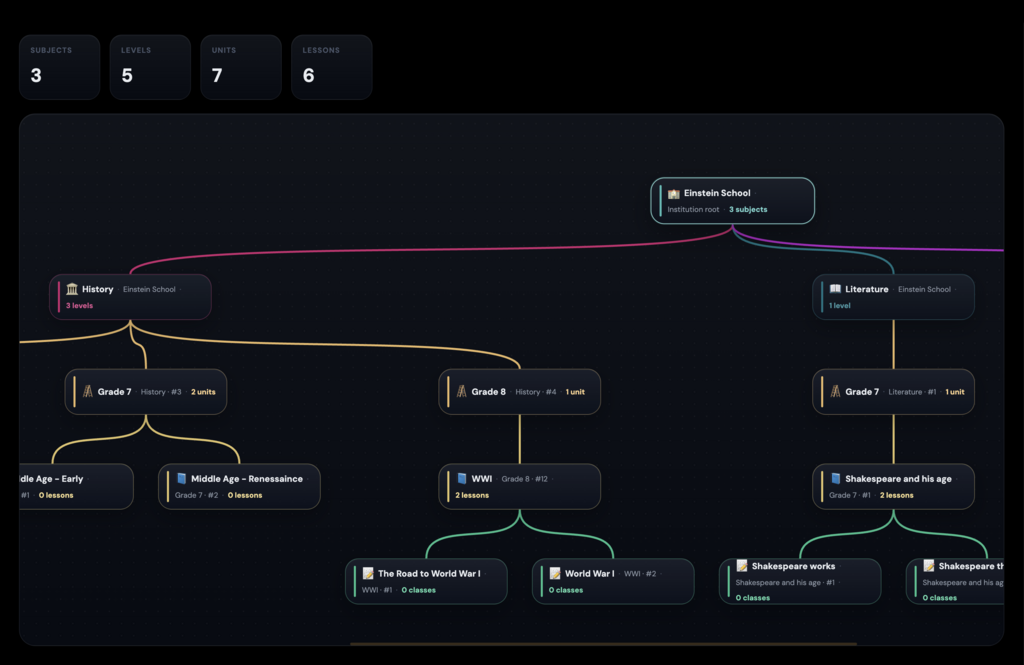
Proftor for teachers →Teachers create their curriculum and set up Study Spaces in Proftor Studio — the teacher-facing workspace. A Study Space is the frame where curriculum, students, and guided practice meet.
Students join their Study Space and complete short guided recall sessions on their own device — no grading by hand, no new lesson plans needed.
After each session, Proftor shows what students remembered, what was vague, what was missing, and where follow-up may be useful — without reading a single response yourself.
Schools & institutes
manage with Proftor Console.
Schools, language schools, training providers, and private institutes set up a Teaching Institute in Proftor. Managers administer everything through Proftor Console — teachers, Study Spaces, and study access.
Ready to open a
Study Space?
Explore a quick demo session, or discuss a pilot with your own material — whether you're a teacher, a school, or a family.